

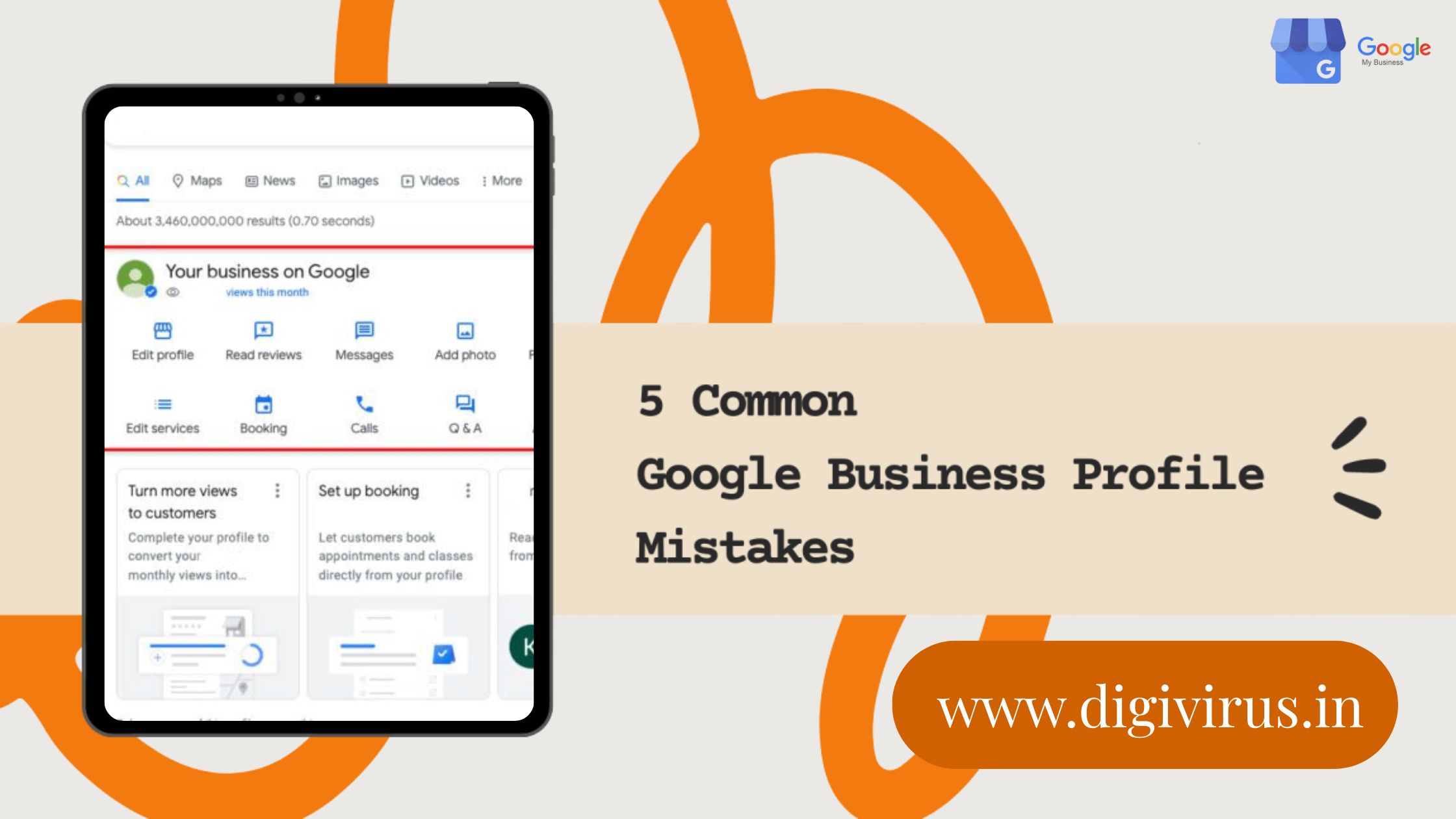
If you run a local business, Google Business Profile (formerly known as Google My Business) is essential for your online presence. However, it can become frustrating when things don’t work as expected. Issues like phone numbers not appearing, full suspensions, or profiles not showing up are common, even for experienced business owners. Let’s explore the most frequent problems, understand why they happen, and discover simple solutions to help you regain visibility and attract more customers.
Why Your Phone Number Isn’t Approved or Showing
If you see a message like “phone number not approved” or the number disappears, it’s likely because Google has rejected it.
They have strict rules about phone numbers, such as not allowing virtual numbers, VOIP services, or numbers not linked to your actual physical address. Other common reasons include mismatched business documentation or formatting errors, such as missing the country code.
Quick Fix: Update your profile with a real business phone number.
Verify it using a postcard, and resubmit your request. Tools like GBPGM can help audit compliance. Test your number by searching for your business—phone call buttons should appear.
You can fill out this form for quicker response from the google- https://support.google.com/business/contact/business_phone_pending_edits?dark=1&sjid=4236321064898875628-NC
Reasons Your Google Business Profile Gets Suspended
Suspension can result in your profile disappearing overnight.
Common reasons include multiple listings for the same location, fake or misleading addresses (such as PO boxes or virtual offices), manipulating reviews, or having an unverified profile. Even a suspended manager account can lead to your profile being suspended.
Fix It: Appeal the suspension via Google’s form and provide proof such as a lease or business license.
Avoid using SAB (Service Area Business) tricks, as these businesses must hide their addresses. Clean up your listings by removing duplicates and verifying your profile properly.
Why Your Photos Keep Getting Rejected
Uploaded photos disappearing is a common issue.
Google rejects images that are blurry or low resolution (under 5MB), have watermarks, or text overlays that cover more than 10% of the image. Photos that are duplicates or reported by users are also removed.
Solution: Use original, high-quality images that represent your business, such as your interior, products, or team.
Avoid using stock photos or promotional content. If a photo is rejected, try re-uploading it after 24 to 48 hours.
Why Your Profile Isn’t Showing Up or Publicly Visible
If your profile isn’t appearing in Maps or Search results, it could be due to an unoptimized profile, a suspension, low relevance, or being a new or unverified listing.
Google prioritizes complete and active profiles.
Steps to Improve Visibility: Fill out all sections of your profile (hours, services, posts), choose the most accurate category, add at least 10 high-quality photos, and encourage reviews.
Check your dashboard for any alerts. Scroll through Maps results to see how your profile ranks—poor optimization can hide your business from potential customers.
Why Google Business Profile Matters (Don’t Skip It!)
Having a Google Business Profile isn’t optional—it’s a valuable, free tool for local SEO.
It helps improve your ranking in Maps and Search results, influences 70% of purchasing decisions, builds trust through reviews, and provides valuable insights like views and calls. Without a profile, your competitors can easily steal your traffic.
Bottom Line: A verified and optimized Google Business Profile leads to more foot traffic, calls, and sales.
Ignoring it can make your business invisible to locals in your area.
Profile issues can be frustrating, but they are fixable.
Regularly review your profile, follow guidelines, and keep your listings updated. Need help? Google’s support team and tools like Sterling Sky offer guidance on reinstatement. Your business deserves to be seen and recognized—get listed today!